
This is the first in a short series of real problems I ran into while learning Solidity and Foundry through Patrick Collins’ Foundry course. Each one turned out to be a genuine, fixable issue — not a Foundry bug — and each taught me something about how the tool actually works versus how a tutorial happened to show it working. The rest of the series covers a VS Code import error, a PATH setup issue on macOS, an Anvil/MetaMask mixup, and why my terminal output looked different from the course video.
The error
I was working through a test for a FundMe contract and tried to run one specific test function by name:
forge test --m testPriceFeedVersionIsAccurate -vvFoundry rejected it immediately:
error: unexpected argument '--m' found

tip: a similar argument exists: '--mp'
The course material I was following used --m as shorthand. In the version of Foundry I had installed, that flag simply doesn’t exist.
Why --m doesn’t work
I checked the official CLI reference (book.getfoundry.sh/reference/cli/forge/test) rather than guess. Foundry’s test-filtering flags are:
--match-test <REGEX>— alias--mt--match-contract <REGEX>— alias--mc--match-path <GLOB>— alias--mp
There has never been a bare --m alias — that’s exactly why Foundry’s own error message suggested --mp as the closest match, which is a completely different flag (it filters by file path, not test name). The course was recorded against an older or differently-configured version where the shorthand may have worked differently, or the instructor was using a personal shell alias not shown on screen.
The fix
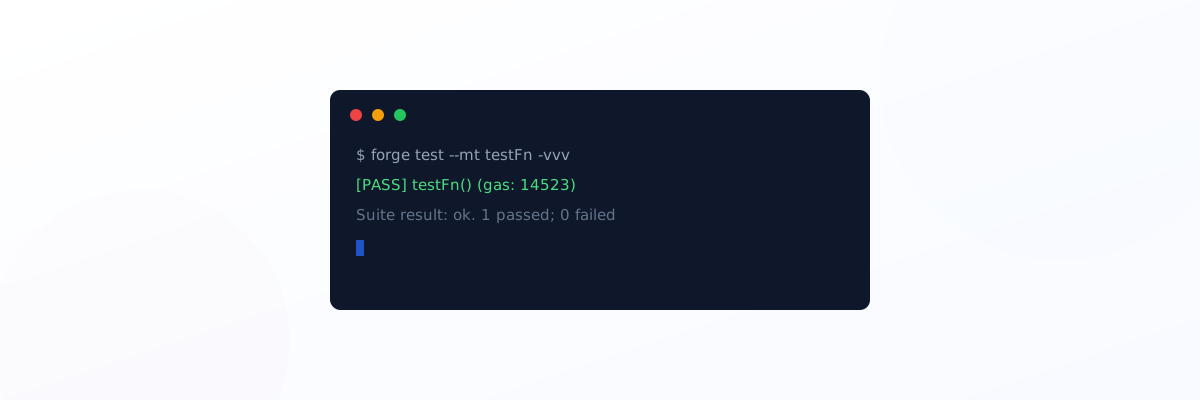
Swapping --m for --mt (the correct alias for --match-test) fixed it immediately:
forge test --mt testPriceFeedVersionIsAccurate -vvv --fork-url $SEPOLIA_RPC_URLOutput:
Ran 1 test for test/FundMeTest.t.sol:FundMeTest
[PASS] testPriceFeedVersionIsAccurate() (gas: 14523)
Suite result: ok. 1 passed; 0 failed; 0 skipped
Verifying flags yourself instead of guessing
The fastest way to avoid this entire class of problem is running Foundry’s own help output before trusting a tutorial’s exact syntax:
forge test --helpThis prints every current flag and alias for your installed version, including the verbosity levels:
-v— least detail-vv— also shows logs emitted during tests-vvv— also shows stack traces for failing tests-vvvv— traces for all tests, plus setup traces for failures-vvvvv— traces and setup traces for everything, including storage changes
And --fork-url (alias -f, sometimes written --rpc-url in older material) fetches state from a live network — Sepolia in this case — instead of starting from an empty local chain, which matters when your test reads a real Chainlink price feed.
The actual lesson
Foundry is under active development, and CLI flags do shift between versions. When a command from a course or article doesn’t work exactly as shown, --help on the specific subcommand is faster and more reliable than assuming the tutorial is wrong or your setup is broken. In this case neither was true — it was just a version-era syntax difference.